New direction · Full product concepts
White surfaces, restrained Anchor accents, an interactive folio inspired by Heron, and expanding sections inspired by Titan.
G · Argon — Critical Folio
Homepage → search → catalogue → reading list → bilingual reader. Try the Gesture Guide for etched hand illustrations and drag/swipe practice.
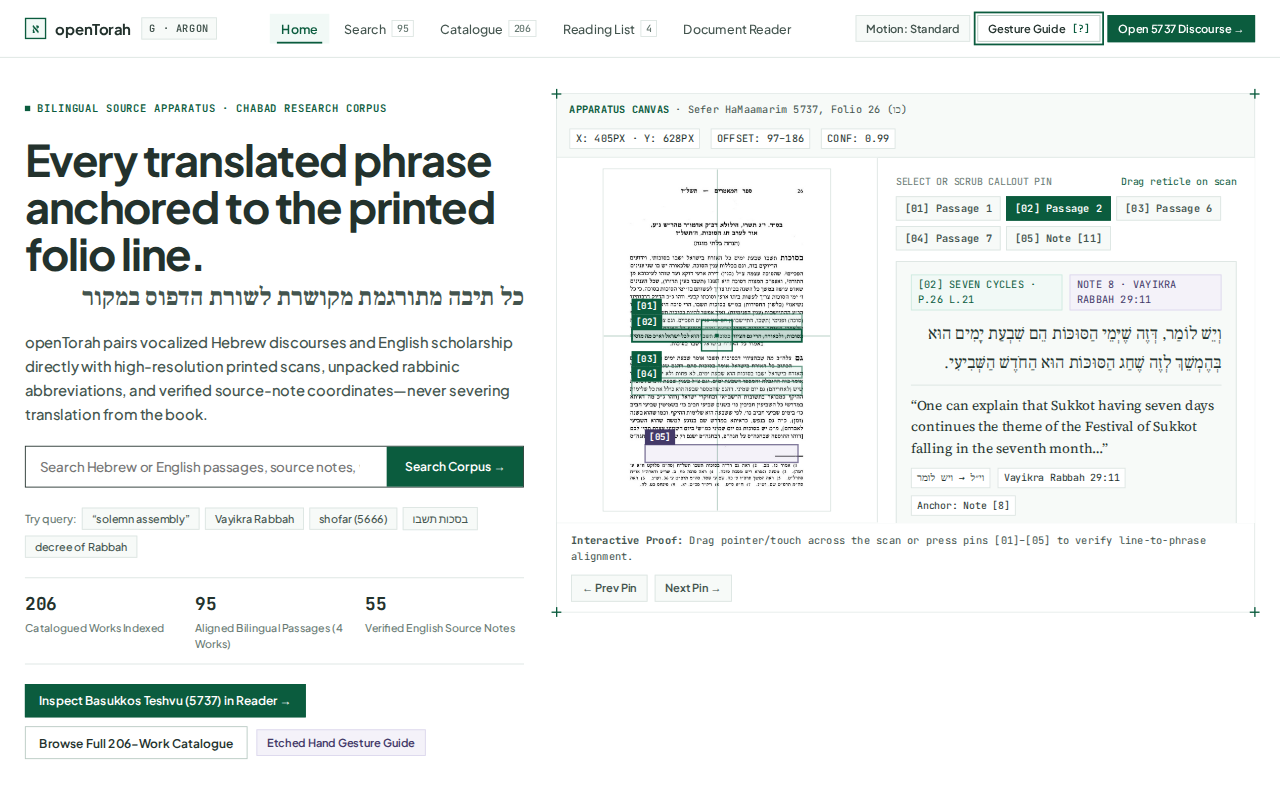
Prototype: sign-in, corrections and submission are simulated. Gesture checks use browser pointer events; physical multi-touch remains unverified. The interface is still dense and technical in places.
O · Opus 5.5 — Folio
The printed page becomes the reading canvas. Browse authors and series, search Hebrew or English, save works, and open the bilingual reader with scans and source notes.
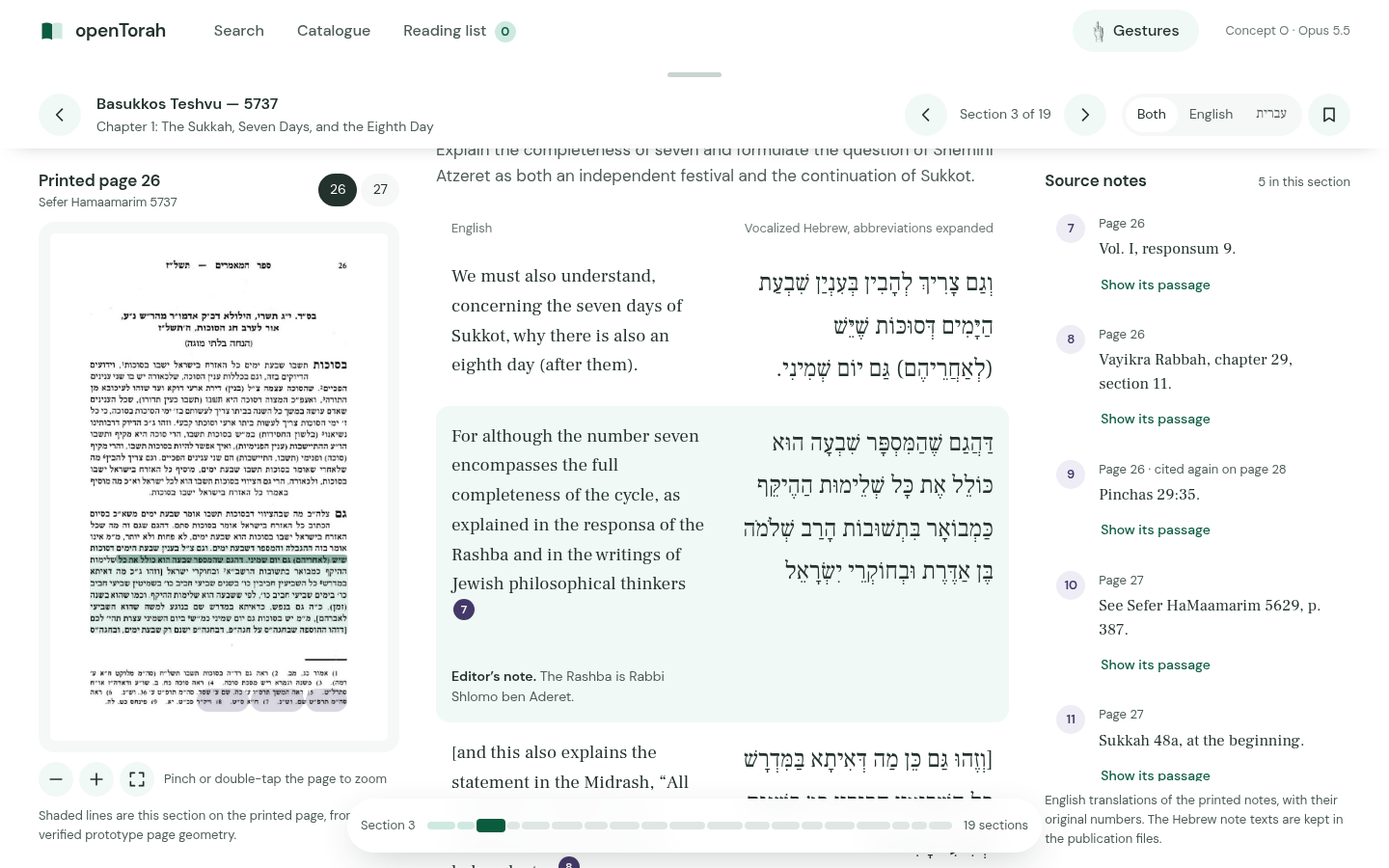
59 automated checks passed in the agent’s proof, including emulated touch. Physical iOS/Android gestures remain unverified. Homepage note pins and phone reader controls still need refinement.
Earlier homepage directions · Side by side
Screenshot sizeScroll each image independently. On a phone, the pair stacks.
Available now
Original catalogue — visual reference
The starting point for the homepage: warm paper, forest green, serif headings, and the existing catalogue identity.
Open live catalogue ↗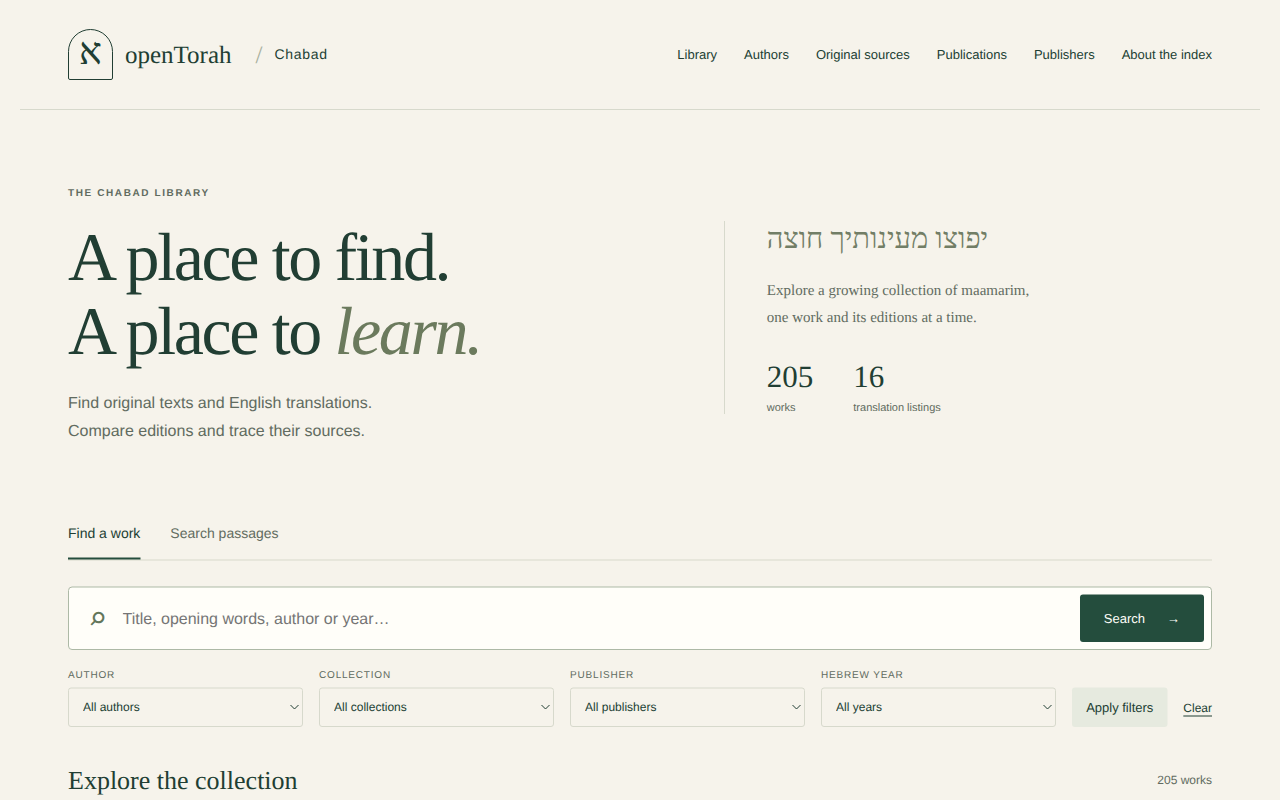
Argon screenshots show the first screen; Sol and Sonnet include full-page screenshots. All homepage directions include the research form. Their search links currently use the live catalogue; the intended final location is /search. R is a reader reference, not an additional homepage proposal. This review site does not change opentorah.ai or its DNS.